Reference settings
Reference group settings allow you to configure how your reference library works, how users access it, how columns behave, and how data can be displayed, exported, or deleted. From this page, you can manage the main settings of a reference group, including access permissions, date format, column configuration, list values, examples, exports, and library deletion.
Written By Hublyd
Basic information
The Basic information section lets you manage the main details of your reference group.
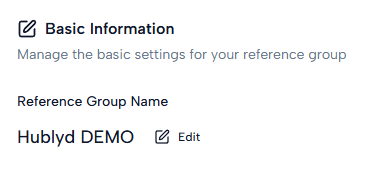
You can edit the name of the reference group at any time. This name is used to identify the library across Hublyd.
Access management
The Access management section shows who has access to the reference group.
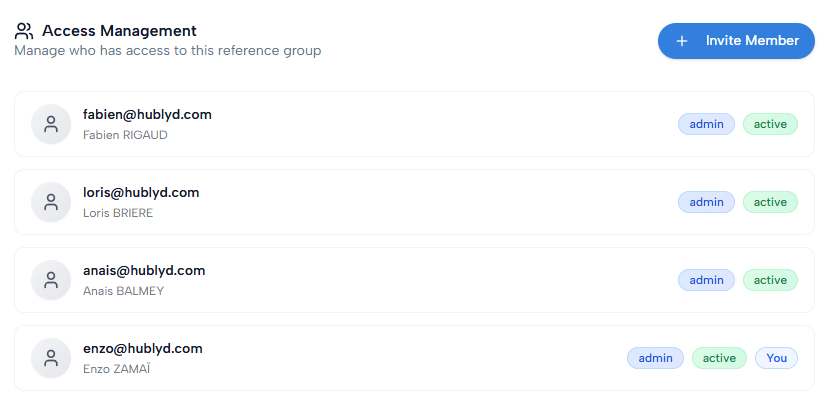
From this section, you can invite new members and review the current users, their roles, and their status. Some access rules may depend on the user role:
Group administrators automatically have administrator access to all reference groups.
The role of group administrators cannot be changed from this section.
New members must already belong to the group before they can be added to the reference group.
Date display format
The Date display format section lets you choose how dates are displayed across the app.
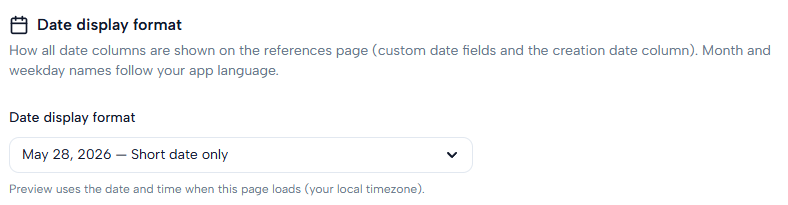
This format applies to all date-type fields, including custom date columns and creation dates.
Column settings
The Column settings section allows you to configure how each column behaves.
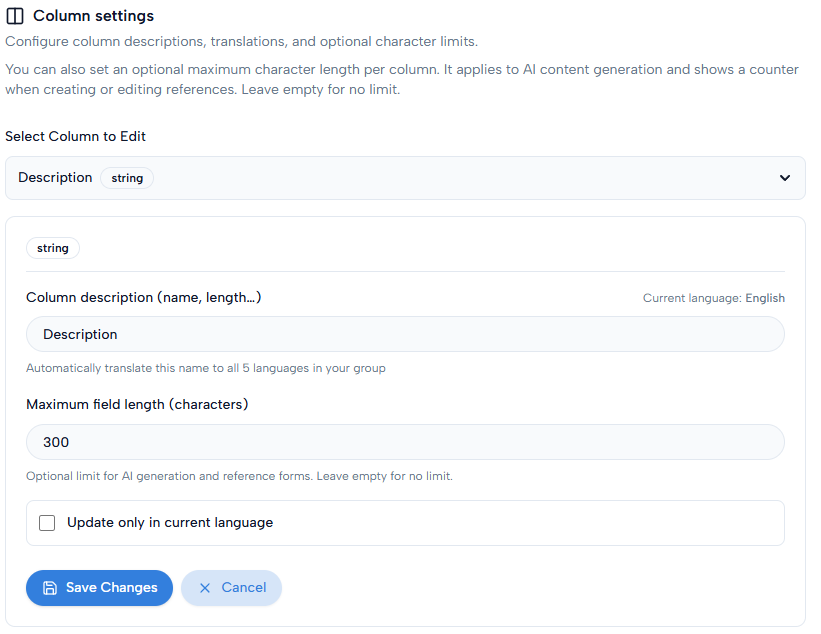
You can select a column and adjust its settings, such as descriptions, translations, and optional character limits. Character limits are used during AI generation and are also displayed when users create or edit references. Leave the limit empty if you do not want to define a maximum length.
Examples and indications
The Examples and indications section lets you add guidance for each column.
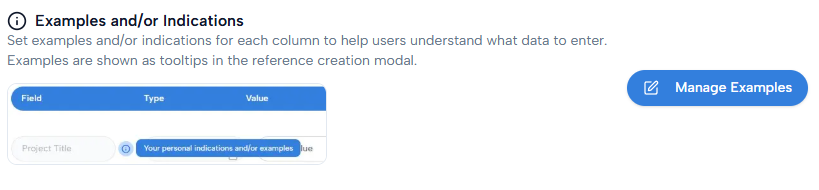
These examples help users understand what kind of data should be entered in each field.
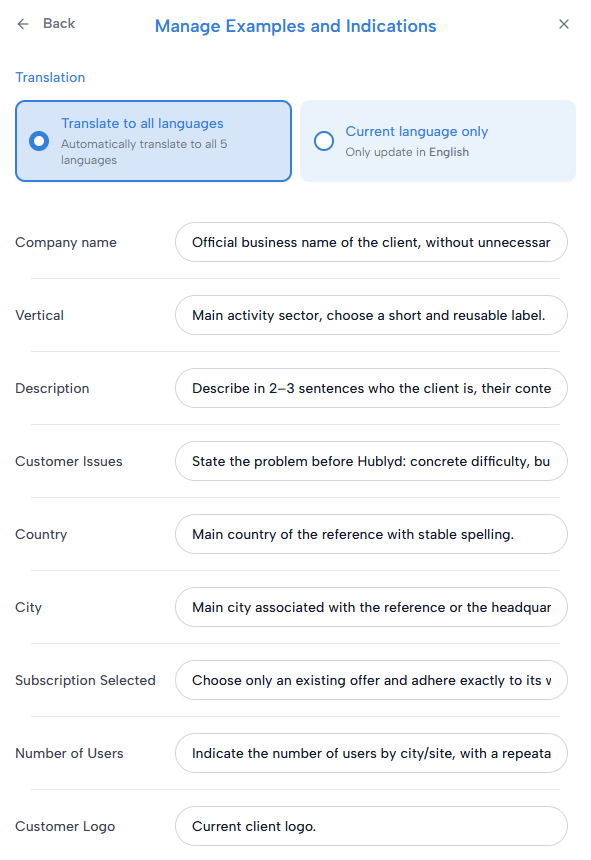
They are displayed as tooltips when users create or edit a reference.
Dropdown lists
The Dropdown lists section lets you manage the values available in dropdown-type columns.
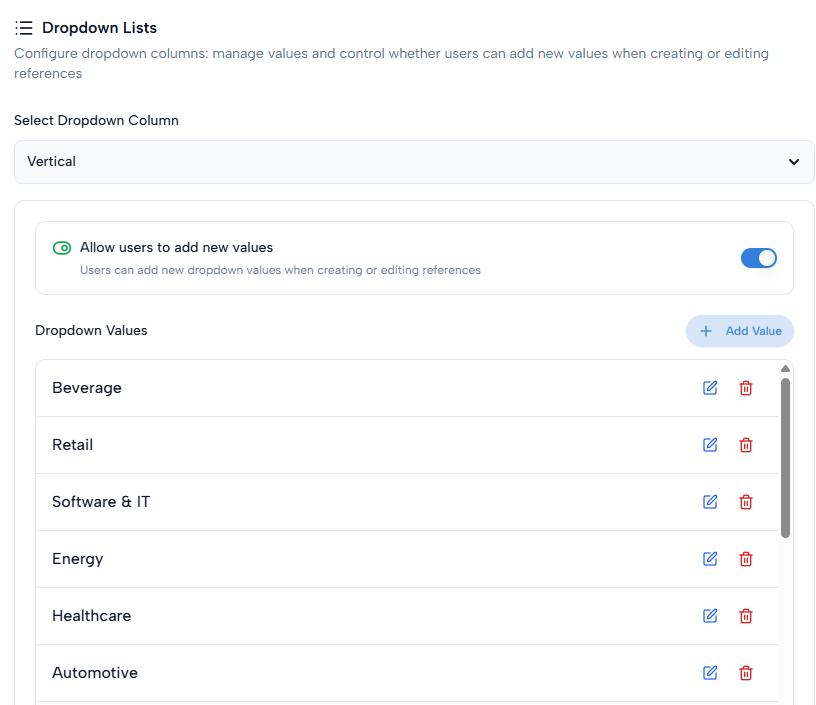
You can configure the available options and control whether users are allowed to add new values when creating or editing references. This helps keep data consistent across the library.
Export data
The Export data section allows you to download the references from your group.
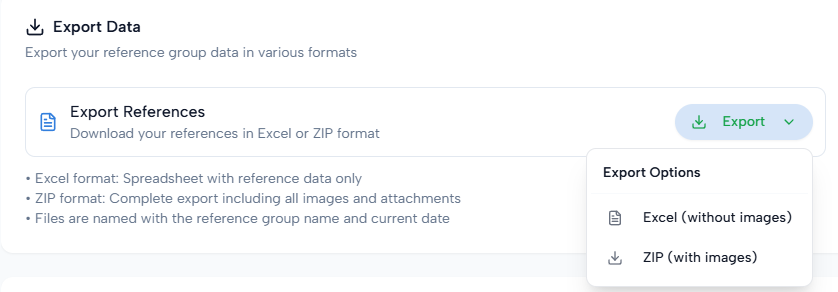
You can export your data in different formats, such as Excel or ZIP. The ZIP export includes all reference data, images, and attachments. Exported files are named using the reference group name and the current date.
Delete library
The Delete library section is a danger zone.
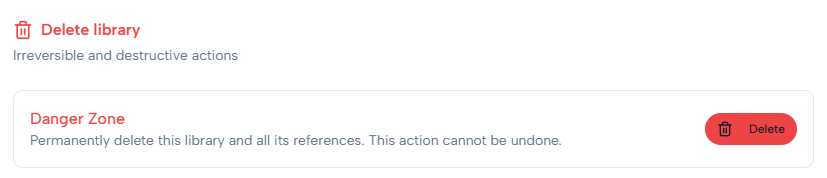
Deleting a library permanently removes the reference group and all its references. This action cannot be undone. Use this option only if you are sure the library is no longer needed.
Was this helpful?
Still need help? Share an idea